
Phone Clock Wrong After Daylight Saving Time Ended? How to Fix It
Updated 7:00 AM ET, Nov. 3, 2026: Daylight saving time ended at 2 a.m. local time on Sunday, Nov. 1, 2026.
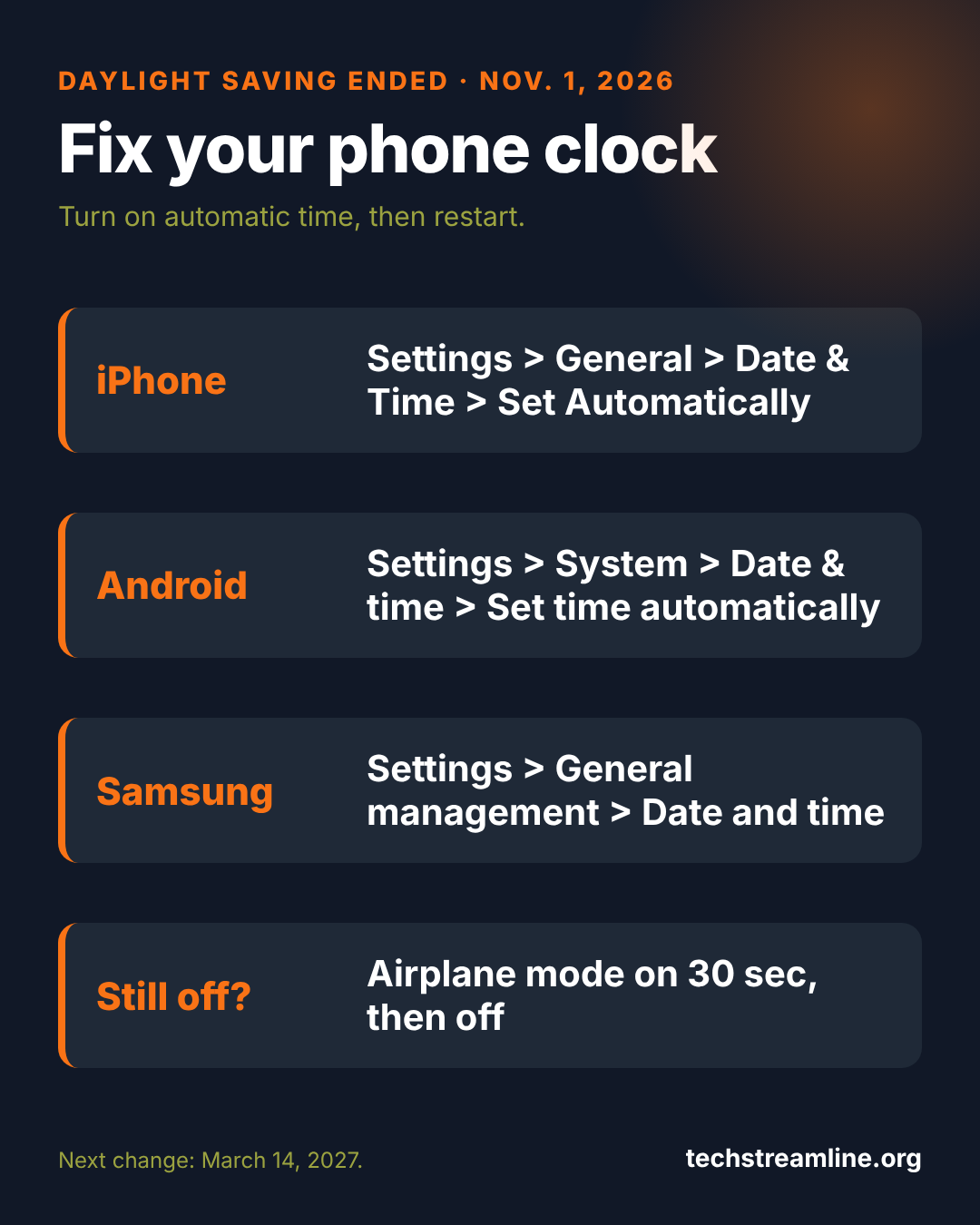
Quick answer: If your phone’s clock is an hour off after daylight saving time ended on Nov. 1, 2026, turn on automatic time. On iPhone: Settings > General > Date & Time > Set Automatically. On Android: Settings > System > Date & time > Set time automatically. Then restart the phone.
Fix it on iPhone
- Open Settings > General > Date & Time.
- Turn on Set Automatically. If it’s grayed out, check Screen Time content restrictions.
- Make sure Settings > Privacy & Security > Location Services > System Services > Setting Time Zone is on.
- Restart your iPhone.
Fix it on Android
- Open Settings > System > Date & time (on Samsung: Settings > General management > Date and time).
- Turn on Set time automatically and Set time zone automatically.
- Restart the phone.
- Still wrong? Turn on Airplane mode for 30 seconds, then off, so it re-syncs with the network.
Other things that may still be off
- Alarms: Phone alarms follow the system clock, so they’re fine once the time is right. Check any third-party alarm apps.
- Smartwatches: They sync from your phone. Open the watch app after fixing the phone.
- Cars, ovens and older clocks: Most need a manual change.
- Calendar events: Events keep their time zone. If one looks an hour off, check the event’s time zone setting.
FAQ
Did we gain or lose an hour?
Clocks went back one hour at 2 a.m. on Nov. 1, so you gained an hour.
When does daylight saving time start again?
Sunday, March 14, 2027, at 2 a.m. local time.
Does all of the US change clocks?
No. Hawaii and most of Arizona stay on standard time all year.
Sources: Apple Support: if you can’t change the time or time zone, Android Help: date and time, NIST: daylight saving time.