
Is ChatGPT Down? How to Check OpenAI Status and Fix It
Updated 7:00 AM ET, Nov. 3, 2026: Use the official status link below for live status. We update this page during major outages.
Quick answer: To see if ChatGPT is down right now, check the official status page at status.openai.com. If it shows everything working but you still can’t connect, the problem is likely on your side. Try the quick fixes below.

How to check if ChatGPT is down
- Official status page: status.openai.com shows each service and any active incident.
- Official social account: Support accounts usually post during big outages.
- Ask others: If friends on other networks have the same issue, it’s probably not you.
Common problems
| What you see | Likely cause |
|---|---|
| “Something went wrong” or blank replies | Server issue or overload |
| Stuck on “network error” | Long answer timed out or connection dropped |
| Can’t log in | Login service issue or browser cookies |
| Slow responses | Heavy demand |
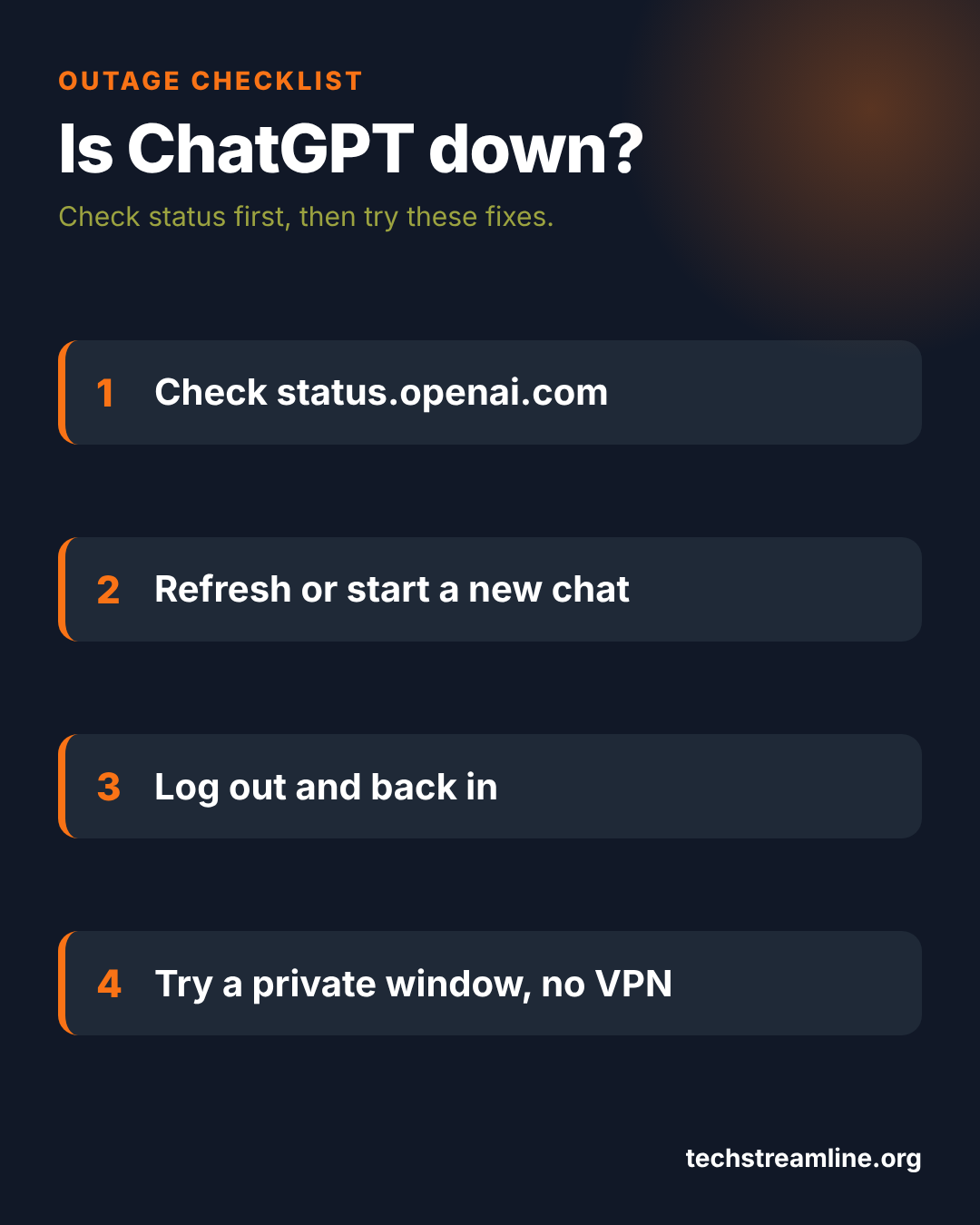
Quick fixes when the service is up but not working for you
- Refresh the page or restart the app.
- Start a new chat. Very long conversations can fail.
- Log out and back in.
- Clear your browser cache or try a private window.
- Turn off VPNs and browser extensions.
- Switch between Wi-Fi and mobile data.
FAQ
How long do ChatGPT outages last?
Most outages are fixed within a few hours. The status page shows updates as engineers work on it.
Will I lose my data or progress?
Usually not. Outages affect access, not saved data stored on the company’s servers.
Sources: status.openai.com.