
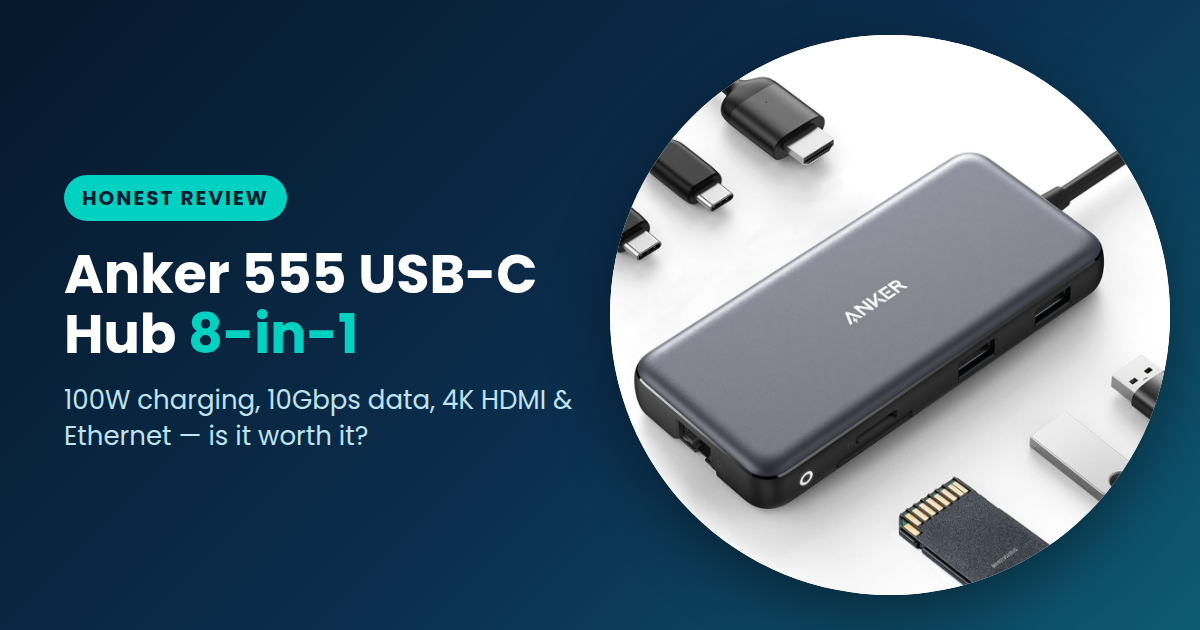
Anker 555 USB-C Hub 8-in-1 Review: Is It Worth Buying?
Disclosure: As an Amazon Associate I earn from qualifying purchases. If you buy through the links on this page, I may earn a small commission at no extra cost to you.
If you own a modern laptop, you already know the problem. One or two USB-C ports, and that’s it. You want to plug in a monitor, a flash drive, an SD card and an Ethernet cable, and suddenly you’re out of ports. That’s where a good USB-C hub helps, and the Anker 555 USB-C Hub (8-in-1) is one of the most popular choices.
In this review, I’ll go through what the hub offers, how it works in daily use, and who should (and shouldn’t) buy it. Please note: this review is based on Anker’s published specifications and product listing, not on long-term personal testing.
Check on Amazon → Opens Amazon.com · Price and availability may change
What Is the Anker 555 Hub?
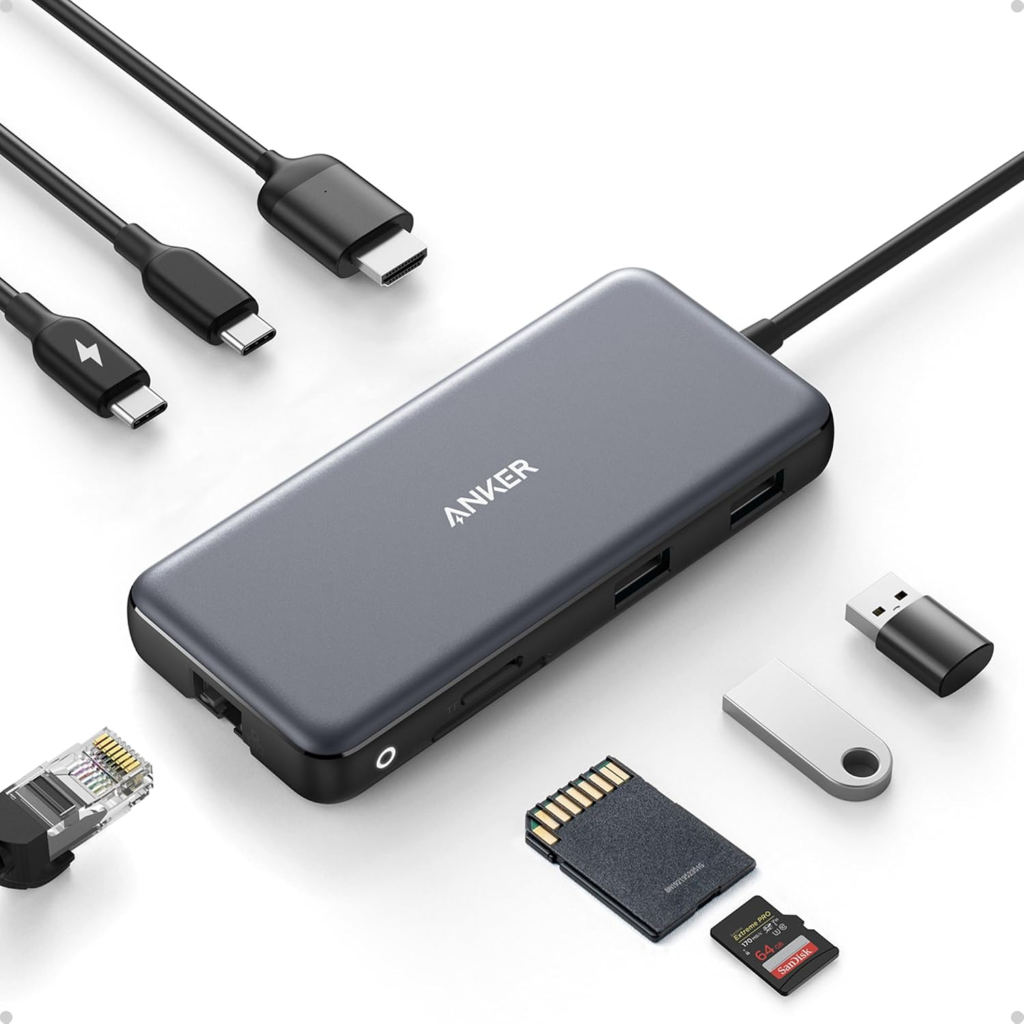
It’s a small, slim hub that plugs into your laptop’s USB-C port through a short built-in cable. From that one port, it gives you eight different connections. You can charge your laptop, connect a monitor, plug in a network cable, copy files from memory cards, and use fast USB drives, all at the same time.
The body is slim and light, so it fits easily in a laptop bag. That makes it a good choice for people who work from different places, like home, a cafe or the office.
Quick Specs
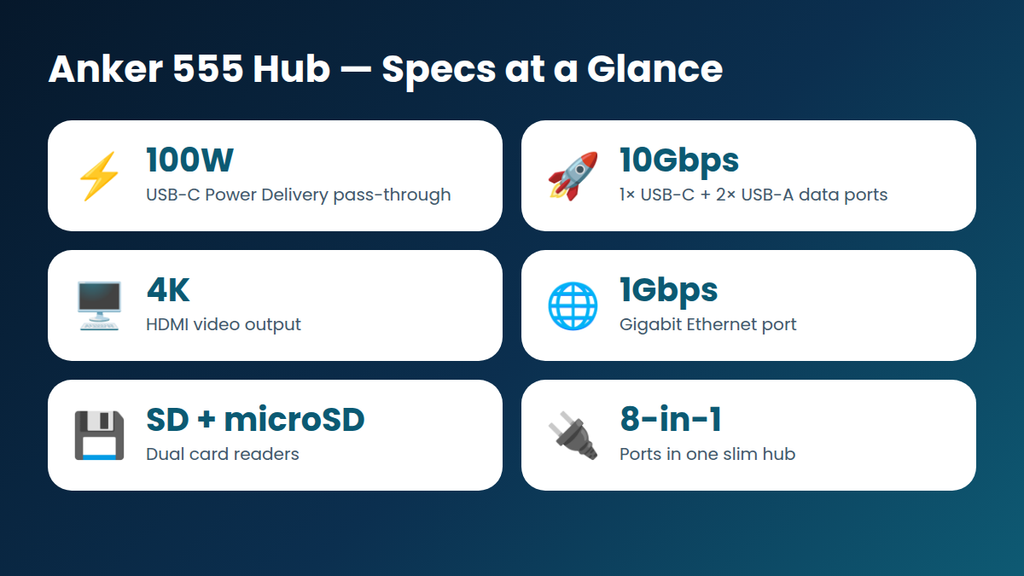
- Charging: USB-C input with 100W Power Delivery pass-through
- Fast data: 1× USB-C and 2× USB-A ports, all 10Gbps (USB 3.2 Gen 2)
- Video: HDMI port with 4K output
- Internet: Gigabit Ethernet port
- Memory cards: SD and microSD slots
Ports You Get
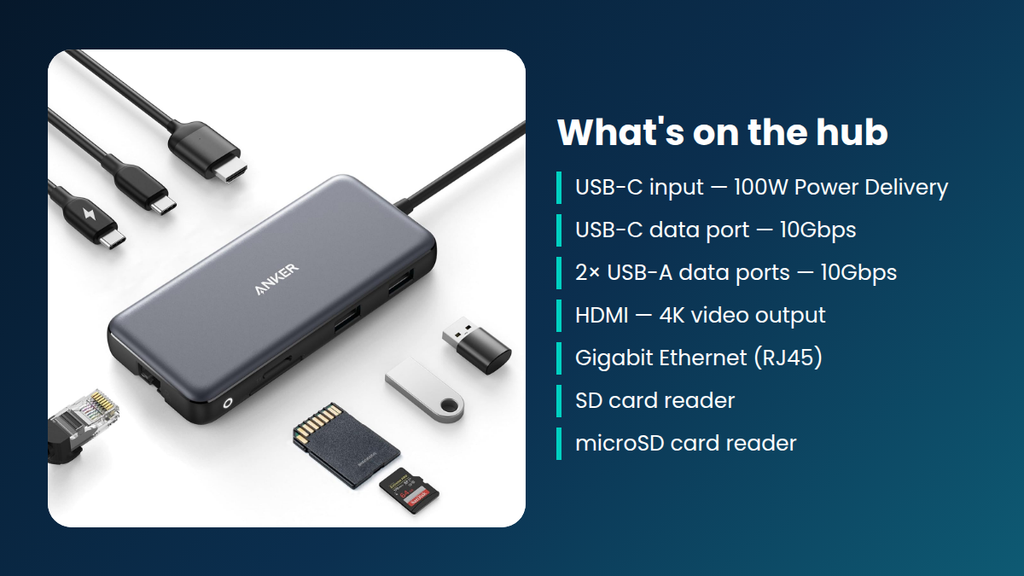
Let’s count the eight functions. You get a USB-C power input, a USB-C data port, two USB-A data ports, an HDMI port, an Ethernet port, an SD card slot and a microSD card slot. For most people, this covers almost everything they plug into a laptop on a normal day.
The card readers are especially useful for photographers, video editors and anyone who moves files from a camera or phone. You don’t need to carry a separate card reader anymore.
How Fast Is It?
The three data ports run at up to 10Gbps. That is double the 5Gbps of older USB 3.0 ports. If you use an external SSD, you’ll notice the difference when copying large files like videos, photos or backups. Actual speed depends on your drive and your laptop, but the hub itself won’t be the bottleneck.
One thing to remember: Anker says the USB-A and USB-C ports marked with the mouse, keyboard and 10Gbps icons are for data only. They don’t support charging or video output. So don’t use them to charge your phone or connect a monitor.
Charging While You Work
The hub supports 100W Power Delivery pass-through. This means you can plug your laptop charger into the hub and keep your laptop powered while every other port is in use. This is very handy at a desk, because you only need one cable going into your laptop.
Two small points. First, a charger is not included, so you need your own USB-C power adapter. Second, the hub uses a little power for itself, so your laptop gets slightly less than the full charger rating. For most laptops, this is not a problem.
Connecting a Monitor
The HDMI port supports 4K output, so you can connect a monitor or TV. Before buying, check that your laptop’s USB-C port supports video output (it may be called DisplayPort Alt Mode or Thunderbolt). If it doesn’t, the HDMI port won’t work. The exact resolution and refresh rate also depend on your laptop and screen, so check the Amazon listing for the latest details.
Pros and Cons
| Pros | Cons |
|---|---|
| ✔ Charging, video, network, USB and cards in one hub ✔ 10Gbps ports for fast SSD transfers ✔ 100W pass-through charging ✔ Slim and easy to carry | ✘ Marked data ports don’t charge or output video ✘ HDMI needs laptop video-out support ✘ Hub uses some of the charging power ✘ No charger included |
Who Is It For?
- Remote workers: one cable for your monitor, internet and power.
- Photographers and students: SD cards and external drives are easy to use.
- Ultrabook and MacBook users: great if you only have one or two USB-C ports.
You may want something else if you need more than one 4K display or a full Thunderbolt dock for heavy professional work.
My Verdict
The Anker 555 USB-C Hub (8-in-1) is a simple, well-rounded hub for everyday laptop users. It covers charging, video, internet, fast USB and memory cards in one small device. Just make sure your laptop supports USB-C video output, and remember which ports are data-only. If that fits your setup, it’s a solid choice.
Check on Amazon → Opens Amazon.com · Price and availability may change
Common Questions
Does it come with a charger?
No. Use your own USB-C power adapter for pass-through charging.
Can I charge my phone from the 10Gbps ports?
Anker says the data-marked ports don’t support charging.
Will the HDMI port work on any laptop?
Only if your laptop’s USB-C port supports video output.
Can I use it with a MacBook or Windows laptop?
It’s a standard USB-C hub, so it’s meant for laptops with a USB-C port. Check compatibility on the Amazon listing for your exact model.
